· Antony0101 · Raspberry Pi Pico Task Scheduler · 2 min read
Experimenting with Raspberry Pi Pico Introduction (Part 1)
Experimenting with the Raspberry Pi Pico with aim to create simple task scheduler in a series of posts.
Introduction
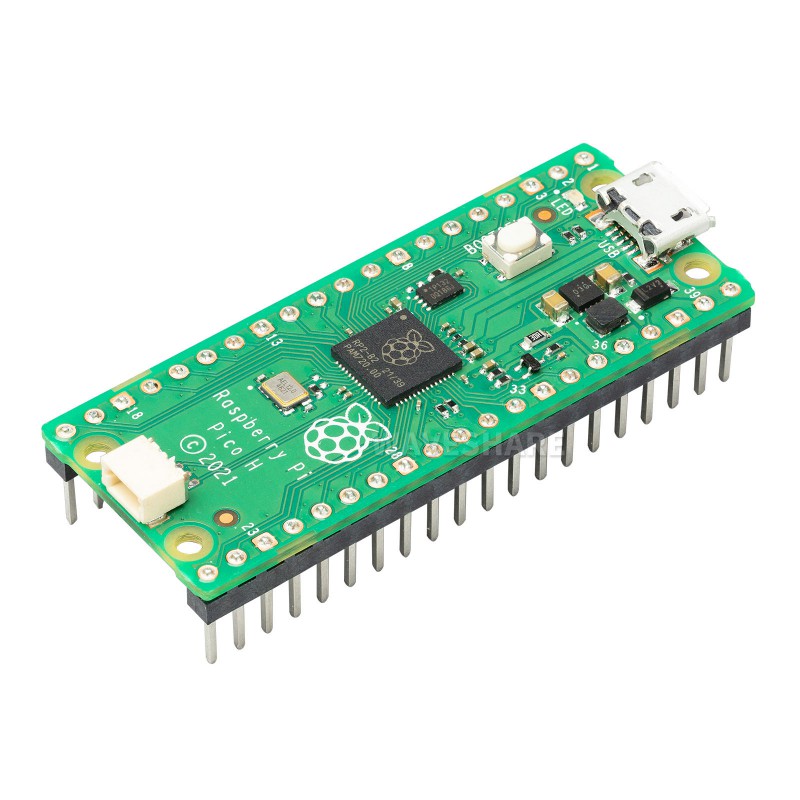
The Raspberry Pi Pico is a microcontroller board based on the RP2040 chip developed by the Raspberry Pi Foundation. It is a low-cost, high-performance microcontroller board that is ideal for a wide range of applications. It features a dual-core ARM Cortex-M0+ processor, 264KB of SRAM, and 2MB of flash memory. The board also has a wide range of GPIO pins, making it easy to connect to a variety of sensors and other devices.
I am planning to explore the compiler and linkers to create a simple loader and task scheduler which can load simple elf files to ram and exectute them on raspberry pi pico in this series of posts.
About the Task Scheduler
It just a project to explore the raspberry pi pico and its microcontroller RP2040. So I am planning to avoid standard libraries. It will be lot of messy code but i hope it will be fun.
Bascily I am planning to explore the linking process and how to load the elf files to ram and execute them. Also task scheduler will be simple round robin scheduler with some memory allocation and deallocation. Well challange is to compile the code with position independent code flag and reimplenting some of the standard library functions. Well also C will be very interesting to explore.
Next Steps
First thing to do will be to setup the build tools and start with the simple blinky example. That will be the next post in this series.